

Unleashing the Power of InControl 2.14: Mid-Year Deep Dive
July 17, 2025
Choosing the Right Antenna: What Actually Matters
February 16, 2026
Peplink University Webinar · Season 3 Kickoff
In the first Peplink University webinar of 2026, Peter West and Travis Durk introduce something game‑changing: enterprise‑grade, SpeedFusion‑powered reliability—right on your smartphone.
If you’ve ever walked out of your house mid‑Zoom call and watched it glitch…
or switched between hotel Wi‑Fi and cellular during a client meeting…
or tried to run a POS app in a spotty coverage zone…
You already know why this matters.
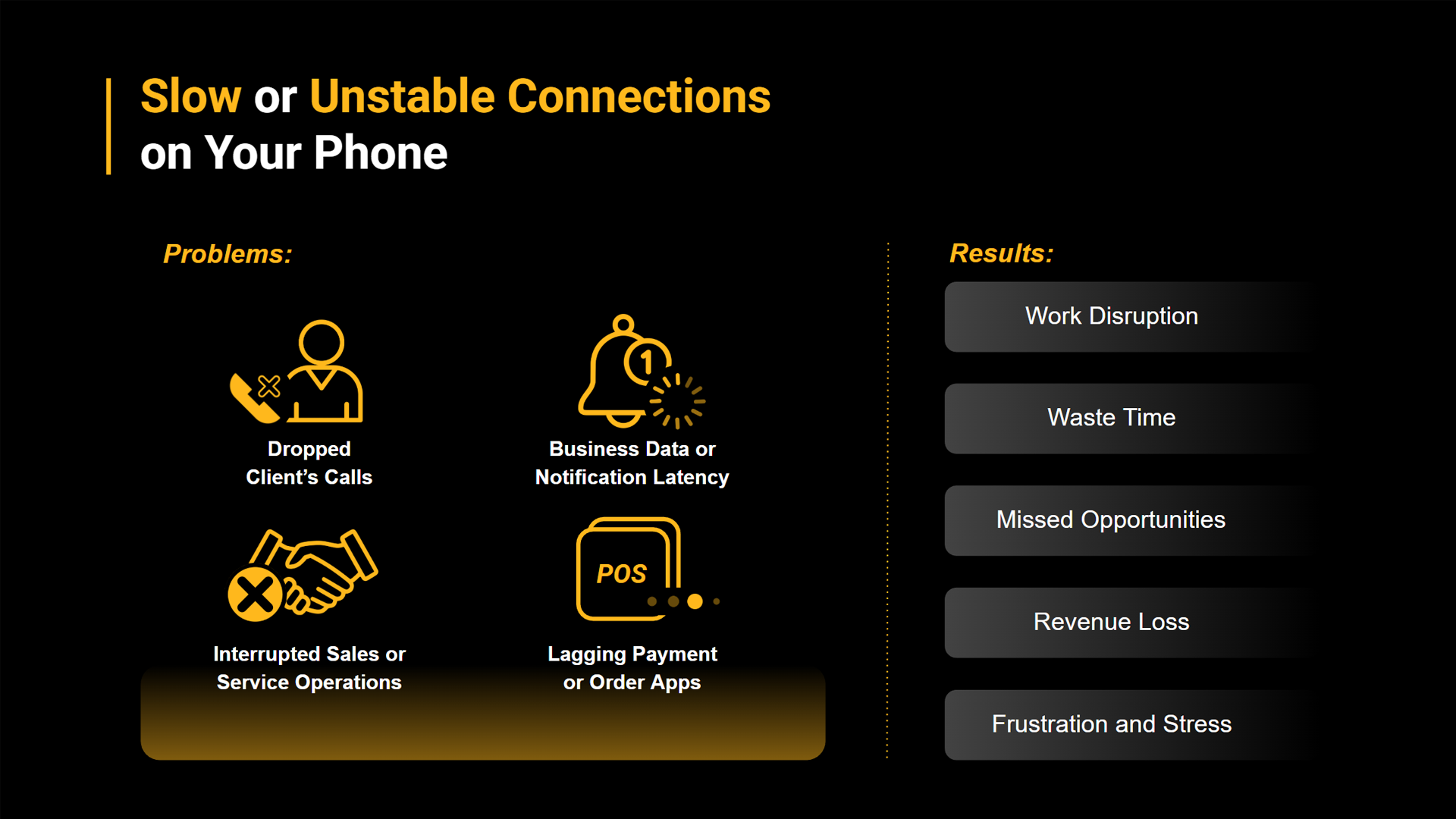
Meet the SpeedFusion Connect App—a free tool that brings Peplink’s legendary multi‑WAN bonding technology to your iOS or Android device.
Why This App Exists
(And Why It’s Awesome)
The story behind the app is classic Peplink:
The CEO himself couldn’t stay connected in a hotel during a weekly meeting.
He didn’t have his Peplink router with him.
He couldn’t bond Wi‑Fi and cellular.
And even he experienced the pain we all know: freezing audio, broken video, dropped calls.
So the team set out to fix it—not just for routers, but for phones too.
And the result is surprisingly powerful.
Bond Wi‑Fi + Cellular + Even Ethernet
—Right on Your Phone
Most phones juggle connections poorly.
But with SpeedFusion Connect:
- Your Wi‑Fi and cellular run at the same time
- Your calls and apps don’t break during transitions
- Packet loss is smoothed out using enterprise‑grade WAN Smoothing
- Live video, navigation, VoIP, and work apps stay stable—even in rough conditions
- You can even plug in a USB‑C 5G dongle or Starlink Mini for a third connection
Peter demoed this from Trinidad, bonding roaming T‑Mobile + hotel Wi‑Fi + Ethernet over a 5G dongle… all from one phone.
That’s wild.
Real‑World Use Cases
(You’ll Recognize Yourself Here)
- Video meetings that no longer cut out when moving between Wi‑Fi zones
- POS terminals on mobile networks (food trucks, events, delivery services)
- Navigation apps in rural areas with jittery signals
- Livestreaming from mobile—zero stutter
- Ordering apps that don’t spin forever because of poor signal
- Workers in buildings where AT&T works on one floor and T‑Mobile works on another
- Road warriors / RVers who want home‑quality internet everywhere
And perhaps the simplest use case of all:
Use your friend’s hotspot as a second carrier and bond the two.
(No extra cost. Massive boost in reliability.)
eSIM Data Plans:
Global Connectivity, Zero Contracts
The webinar also introduced new enhancements to Peplink’s eSIM program:
- Global, North America/Europe, and pooled data plans
- Extremely competitive pricing
- No monthly fees or contracts
- Works on any eSIM device—not just Peplink routers
- Now purchasable directly inside the app
Plus an all-new referral reward program:
Invite a friend, and you both get bonus data.
Relay Mode
& Custom Nodes
For power users:
- Relay Mode lets you route your phone back to your home or office Peplink router
(Great for YouTube TV, region‑locked apps, home servers, and secure office access.) - Custom SFC Nodes—a feature previewed at the Peplink Summit—will soon let organizations and MSPs host their own SpeedFusion Cloud nodes.
This means:
- Lower latency
- Private, secure access to internal systems
- White‑label opportunities for managed service providers
The possibilities are huge.
Try It Yourself
The SpeedFusion Connect app is free, easy to use, and instantly improves the reliability of your mobile work life.
Download it, tap “Protect,” and enjoy a more stable digital world—wherever you go.
If you want a referral code for bonus data, Peter and Travis can hook you up.
